How to Delete Twitter Likes in Bulk
Likes are often overlooked when cleaning up a Twitter account.
However, liked tweets can still appear on your profile and reveal past opinions.
Why Delete Twitter Likes?
People often remove likes to:
- clean up their profile
- remove outdated interests
- protect their reputation
Use the right cleanup path, not just the checkout page
These are the most relevant pages for this topic. They pass intent deeper into the site and help readers move from research to action.
The Challenge of Removing Likes
Twitter does not provide a simple "delete all likes" feature.
Users must normally scroll through their likes and remove them individually.
Bulk Removal Tools
Some tools allow you to remove likes in batches.
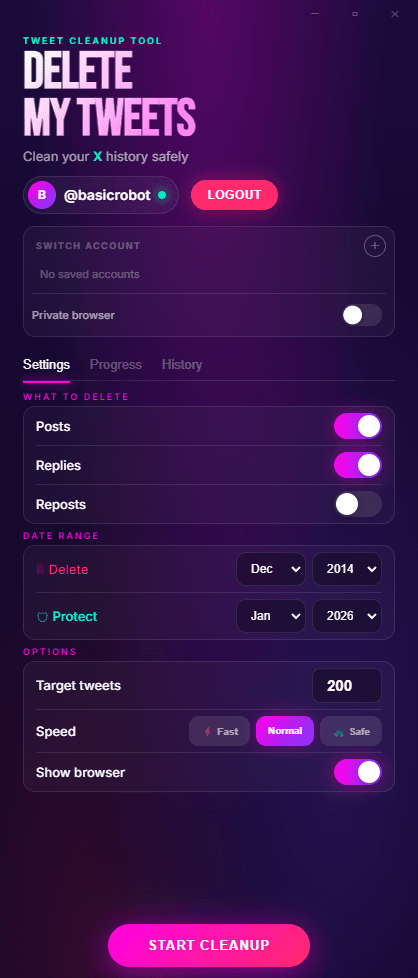
Delete My Tweets can scan your account and help automate the process, making it much faster than manual removal.
If likes are only part of the cleanup, combine them with Delete Twitter Likes, Delete Retweets, or Delete All Tweets.
Final Thoughts
Cleaning up likes is an important part of maintaining a professional Twitter profile.