
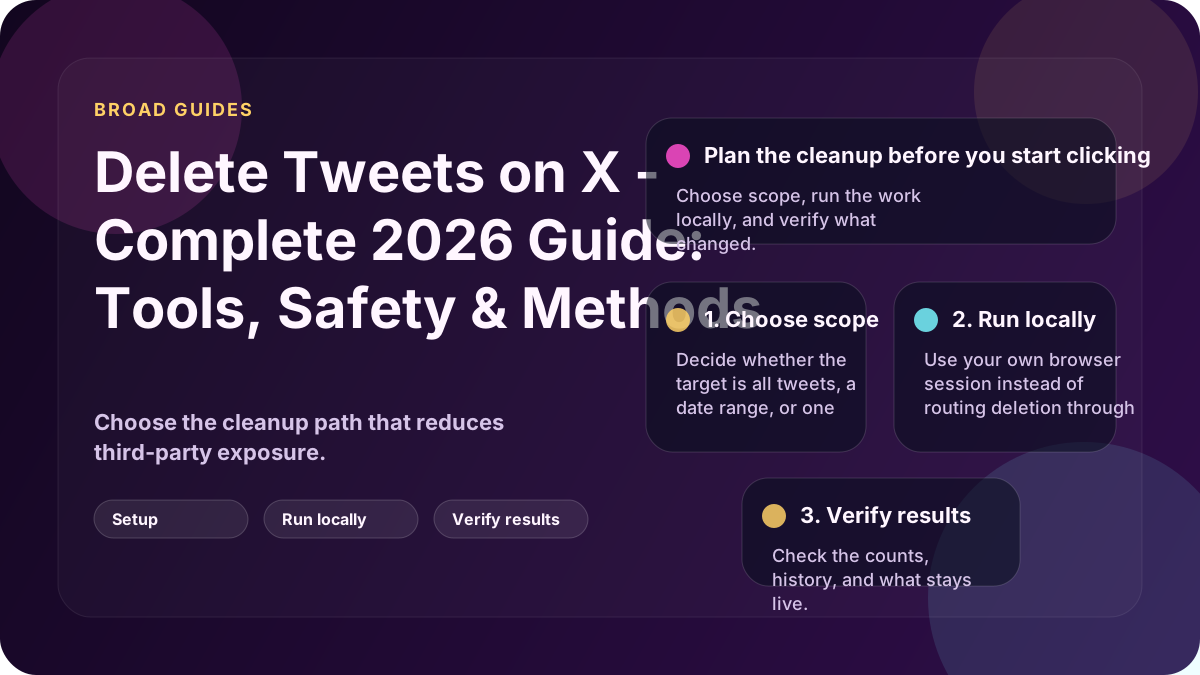
If you want one place to understand tweet deletion in 2026, start with the method: manual deletion, a cloud tool, or a local browser-session workflow.
This page points you to the guide that matches the job you actually need to do.
Start with the page that matches your goal
- Delete all tweets if you want a full reset
- Compare cloud vs local tools if you are still choosing a method
- Check whether TweetDelete is safe if you are comparing trust models
- Delete tweets without API access if you do not want API keys or app access
- Clean up retweets and quote tweets if tweets are not the only issue
- Clean up before a job search if reputation risk is the main reason
- Delete by year or date if you do not want to wipe everything
The three methods that matter
| Method | Best for | Main trade-off |
|---|---|---|
| Manual deletion | Very small accounts | Slow and repetitive |
| Cloud tools | Fast setup and convenience | Third-party access plus service limits |
| Local browser-session tools | One-time cleanup with more control | Requires Windows setup |
Full-account cleanup
If your goal is to wipe the timeline, start with How to Delete All Tweets on X. That guide compares manual deletion, cloud tools, and local browser-session workflows side by side.
Tool safety and trust
If you are deciding whether a cloud tool is acceptable, read Is TweetDelete Safe?. The useful question is not whether the brand sounds familiar; it is what account access and processing model you are agreeing to.
Older tweets and the 3,200 problem
Many users think the tool failed when the real issue is coverage. Some cloud workflows focus on recent history, which is why older tweets can still be left behind.
Start with TweetDelete free tier limits and Delete Tweets Without API Access if this is the problem you are trying to solve.
Retweets, quote tweets, and replies
Tweet cleanup is not always just original posts. Retweets and quote tweets often survive a "delete all tweets" attempt because tools treat them differently.
Use How to Mass Delete Retweets on X if reposted content is part of the cleanup.
Job-search and background-check cleanup
If the goal is professional cleanup, do not wait until the last minute. Choose the method that gives you enough confidence the risky history is actually gone.
Start with How to prepare your Twitter account for a background check or Delete old tweets before a job interview.
Date-based cleanup
Not everyone needs a full wipe. If the risk is tied to a certain era, use date or year filters instead.
Start with Delete tweets from a specific year or Delete tweets before a certain date.
Where Delete My Tweets fits
Delete My Tweets is the local option in this guide: a Windows app that deletes tweets, replies and reposts through your own browser session. No cloud service performs the deletions.
That makes it a better fit when you want one-time cleanup with more control over privacy and account access. See how it works.
Bottom line
Pick the method first. Then go to the guide that matches the exact cleanup job you need to do.