

Tweet deletion tools have become popular as users look for ways to clean up their social media history.
However, many people worry about the safety of granting account permissions to third-party tools.
Why Safety Concerns Exist
Most tweet deletion tools require users to connect their X account.
This often involves granting permissions that allow the tool to read and delete tweets.
Users naturally ask questions such as:
- where is my data stored?
- are login tokens saved?
- can the service access private data?
Cloud-Based Tools
Many deletion tools process data on remote servers.
This can involve uploading exported account data or storing login tokens temporarily.
Local Tweet Deletion Tools
Some tools use a different approach by running the deletion process locally.
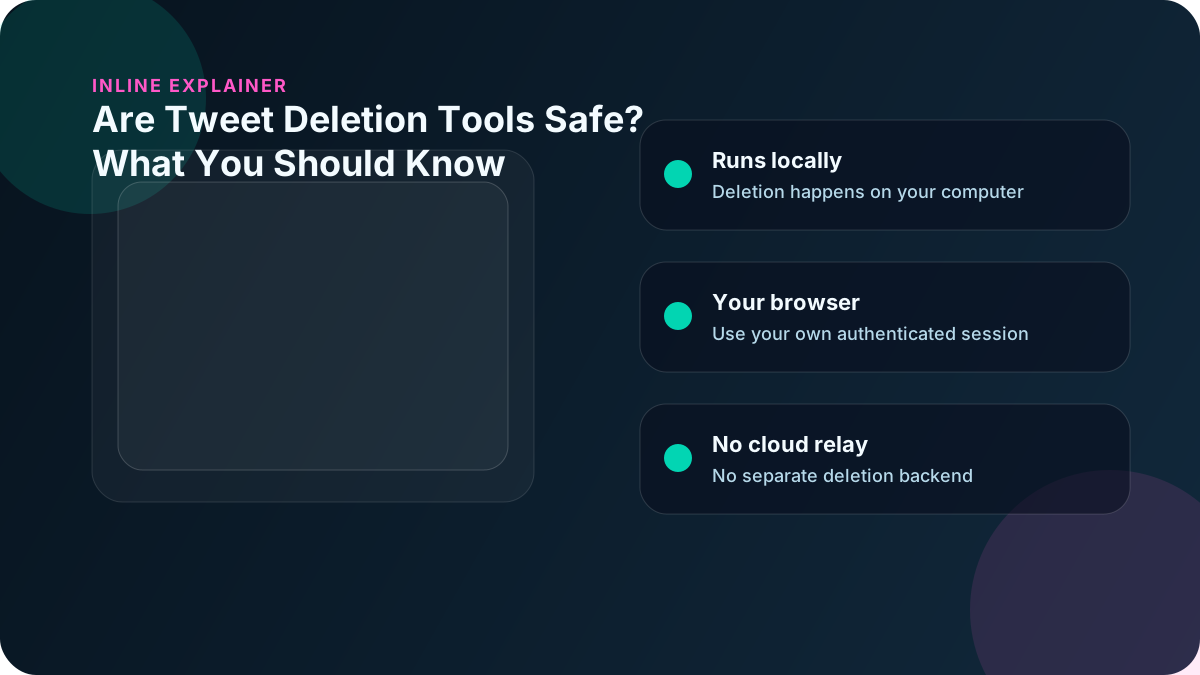
Delete My Tweets processes tweet deletion on the user's computer through the user's own browser session rather than remote servers.
If you want the product path, compare TweetDelete Alternative, Delete All Tweets, and the broader Cloud vs Local Tweet Deletion Tools guide.
Final Thoughts
Understanding how tweet deletion tools handle your data is an important step before choosing which tool to use.