
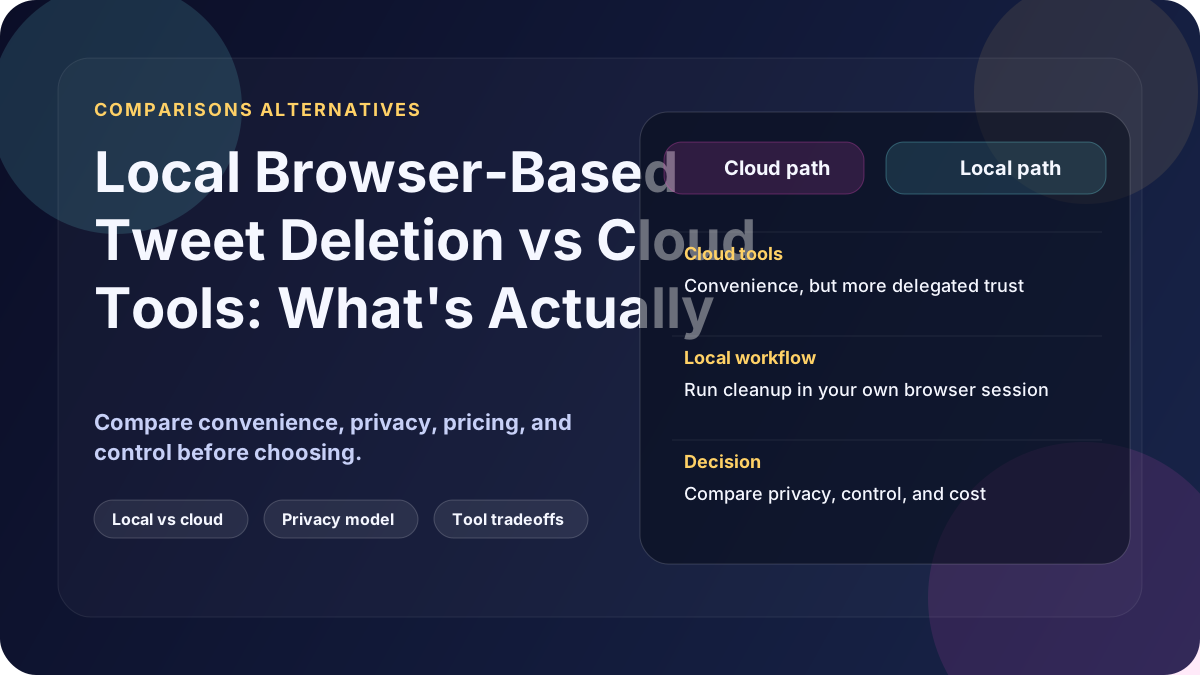
If you're researching ways to delete tweets in bulk, you've probably seen dozens of tools claiming to be safe, private, or secure. Most of them fall into one of two categories:
- Cloud-based tweet deletion services
- Local, browser-based automation tools
On the surface, both promise the same outcome: tweets deleted. But how they work makes a massive difference to privacy, security, and reliability.
This article explains the real differences between browser-based tweet deletion and cloud-based services, so you can choose the option that actually protects your data.
What Cloud Tweet Deletion Tools Actually Do
Most cloud-based tools require you to do one or more of the following:
- Log in with your X.com (Twitter) account
- Grant API permissions
- Upload your tweet archive or CSV files
- Allow deletions to be executed from their servers
From a technical perspective, this means:
- Your tweet data leaves your computer
- Actions are performed by third-party infrastructure
- You no longer fully control execution
Even if the service is legitimate, this introduces unnecessary exposure.
The Hidden Risks of Cloud-Based Tweet Deletion
1. Your Data Lives on Someone Else's Servers
Once your tweets are uploaded:
- You don't control where they are stored
- You don't control how long they are retained
- You don't control who has access internally
For people deleting tweets for privacy reasons, this is a fundamental contradiction.
2. Cloud Services Are Hackable by Design
No matter how professional a service looks:
- Servers can be breached
- Databases can be leaked
- Backups can be exposed
If your tweet history contains sensitive opinions, personal information, or old content you regret, moving it to a third party increases risk, not reduces it.
3. API Dependency Breaks Tools Constantly
Most cloud tools rely on X.com APIs.
This causes real-world problems:
- Sudden rate limits
- Features breaking overnight
- Tools becoming subscription-only
- Partial deletions without clear errors
Users are often left halfway through a cleanup with no recourse.
What Is Local Browser-Based Tweet Deletion?
Browser-based deletion works completely differently.
Instead of using APIs or cloud servers, a local browser-based tool:
- Uses your own browser
- Uses your existing X.com login
- Uses your cookies and session
- Performs deletions exactly as if you were clicking Delete, just automated
This is best described as: manual tweet deletion, automated.
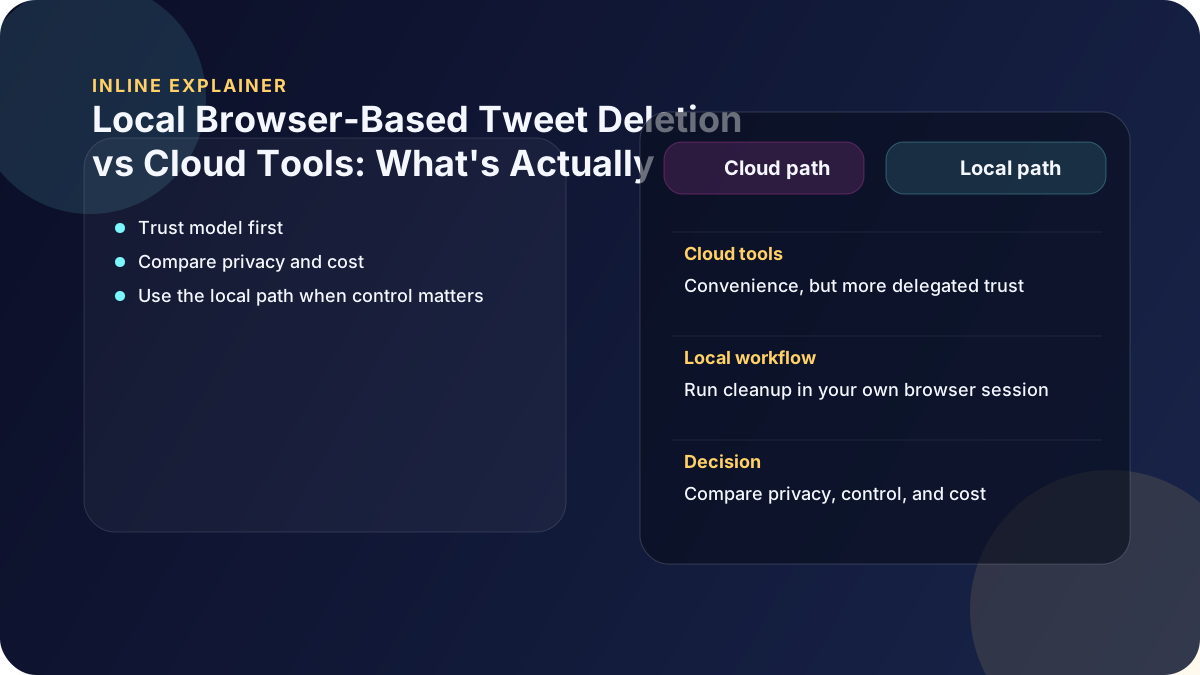
The deletion workflow is not delegated to a cloud deletion service.
Why Browser-Based Deletion Is More Private
1. The deletion workflow stays on your machine
With browser-based automation:
- Tweet content is not uploaded to external servers
- Credentials are not handed to a third-party deletion service
- Archives are not transferred to a cloud deletion tool
- The deletion job is not routed through a third-party cloud service
The deletion workflow runs locally, under the account owner's control.
2. You Retain Full Account Ownership
Because deletions happen through your own browser session:
- You do not grant Delete My Tweets a separate OAuth token or cloud-side deletion access
- You keep direct control because deletions happen in your own session
- You can see exactly what is happening
From X.com's perspective, it's you deleting your tweets, because it is.
3. No cloud deletion backend holding the job
Browser-based tools do not require a cloud deletion backend that stores the deletion job, a third-party deletion token, or uploaded archives.
That means there is no Delete My Tweets cloud deletion backend holding your tweet history, a deletion token, or an uploaded archive while the job runs.
This dramatically reduces long-term risk.
Why CSV and Archive-Based Tools Are Failing for Large Accounts
Another growing issue is data export reliability.
X.com increasingly:
- Fails to provide CSV files for large accounts
- Delivers incomplete exports
- Breaks tools that rely on structured data files
Many tweet deletion tools depend entirely on:
- CSV exports
- Fully indexed archives
For long-running or high-volume accounts, these files are often missing or unusable.
Browser-based deletion does not depend on CSV files at all, making it far more reliable for large accounts.
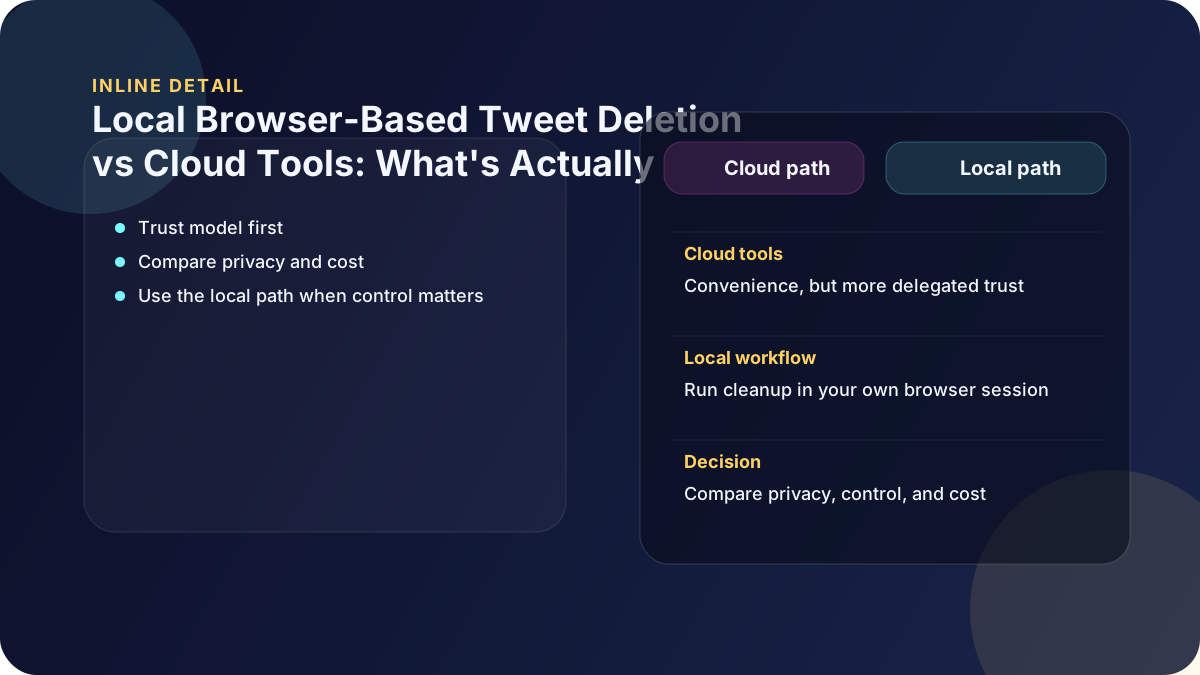
Browser-Based Deletion vs Cloud Tools: Direct Comparison
| Feature | Browser-Based Deletion | Cloud Tools |
|---|---|---|
| Uses your own login | Yes | No |
| Uses your own browser | Yes | No |
| Uploads tweet data to a deletion service | No | Often |
| Requires API access | No | Yes |
| Depends on CSV exports | No | Yes |
| Deletion-service breach risk | No cloud deletion service in path | Exists |
| User retains control | Full | Partial |
When Browser-Based Deletion Is the Best Choice
Browser-based tweet deletion is ideal if:
- You care about privacy
- You are cleaning tweets for a job search
- You have a large or old account
- CSV exports don't work for you
- You don't want subscriptions or API lock-in
In these cases, keeping everything local is one of the safer options.
Final Verdict: What's Actually Private?
Cloud tools are convenient, but convenience comes with trade-offs.
If your priority is:
- Speed with delegation: cloud tools may work
- Privacy, control, and reliability: browser-based deletion is clearly superior
Automating manual deletion through your own browser gives you the best of both worlds:
- The control of manual deletion
- The speed of automation
- The privacy of local execution