

Auto-deleting tweets sounds appealing.
If you are comparing trust models, start with Cloud vs Local Tweet Deletion Tools (2026 Deep Comparison).
Set it once, forget about it, and let old posts quietly disappear in the background.
But if you've searched things like "auto delete tweets", "services that auto-delete tweets without API violations", or "is tweet deleter safe under X's latest rules" — you're already sensing that this isn't as simple as it sounds.
Let's clear this up properly.
First: what does "auto-delete" actually mean?
Most auto-delete tools fall into one of these categories:
Scheduled cloud automation — A third-party service stays connected to your account and deletes tweets on a schedule (daily, weekly, etc.).
Rule-based cleanup — Tweets older than X days, with certain keywords, or without engagement get removed automatically.
One-time bulk deletion — Not truly "auto", but often confused with it. You run a cleanup once and you're done.
Each has different risk levels.
Is auto-deleting tweets allowed?
Short answer: sometimes — but cautiously.
X allows automation within limits, but enforcement is fluid and can change with little notice.
The main risk factors are:
- Continuous automation
- High-frequency actions
- Always-connected third-party access
- Abuse patterns that look bot-like
Auto-deletion isn't explicitly banned — but it does increase scrutiny, especially on older or high-volume accounts.
Where people get into trouble
Most account issues don't come from deleting tweets once.
They come from how it's done.
Risky patterns include:
- Tools that stay connected permanently
- Nightly or hourly deletion jobs
- Very aggressive deletion speeds
- Multiple automations stacked together
- Forgetting a service still has access months later
Individually, none of these are guaranteed to cause a problem. Combined, they raise flags.
The hidden risk: ongoing permissions
This is the part most users underestimate.
Auto-delete tools usually require:
- Persistent read/delete permissions
- Continuous API access
- Long-lived tokens
That means:
- Your account is accessible even when you're not using the tool
- You're trusting the service's security indefinitely
- Any breach, policy change, or business shift affects you
Auto-delete is less about what happens today and more about what could happen later.
"Without API violations" — what does that really mean?
You'll see this phrase a lot, and it's often misunderstood.
What it usually means:
- The tool uses officially available APIs
- It follows documented rate limits
- It hasn't been shut down yet
What it does not guarantee:
- Future compliance
- Protection from policy changes
- Immunity from enforcement shifts
APIs change. Rules tighten. Tools that were fine last year can become liabilities next year.
A safer alternative most people overlook
If your goal is cleanup, not constant automation, there's a simpler and safer approach:
One-time, local browser session deletion.
How this differs from auto-delete:
- No continuous access
- No background jobs
- No ongoing automation
- No permanent trust relationship
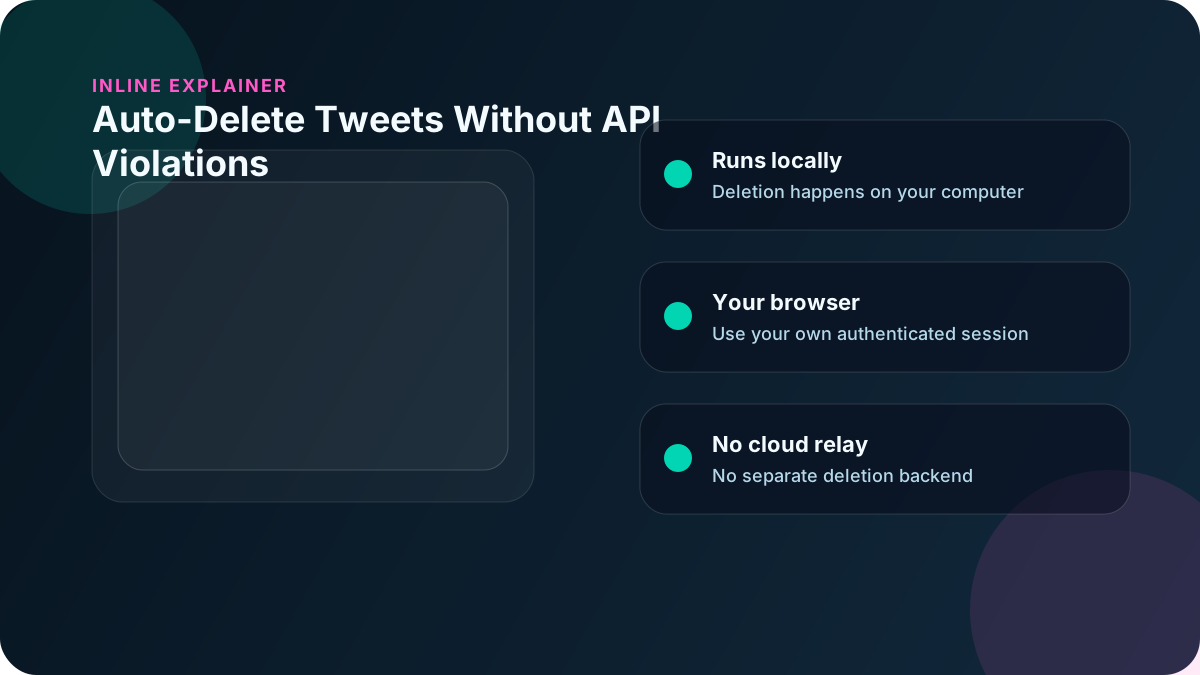
You open the app, sign into X in your own browser session, delete what you want, and you're done.
This is why many users now prefer local tools like Delete My Tweets: it's intentional, not perpetual. No automation runs when you're not there, and there is no lingering cloud-side job to forget about.
When auto-delete does make sense
Auto-delete can be reasonable if:
- You're running a high-volume, short-term account
- You accept the trade-off of convenience vs control
- You actively monitor connected apps
- You're comfortable revisiting permissions regularly
Just don't treat it as "set and forget." That's where problems start.
When auto-delete is the wrong tool
Avoid auto-delete if:
- You're doing a one-off cleanup
- You're preparing for a job search, press, or public role
- You care about long-term privacy
- You don't want lingering third-party access
In those cases, automation adds risk without adding value.
Final takeaway
Auto-deleting tweets isn't inherently dangerous — but continuous automation usually carries more risk than one-time action.
If you want:
- Speed — cloud automation
- Convenience — scheduled deletion
- Certainty and safety — local browser session deletion
For most people cleaning up years of history, one of the safer moves in 2026 is still the simplest one: delete once, locally, and move on.