
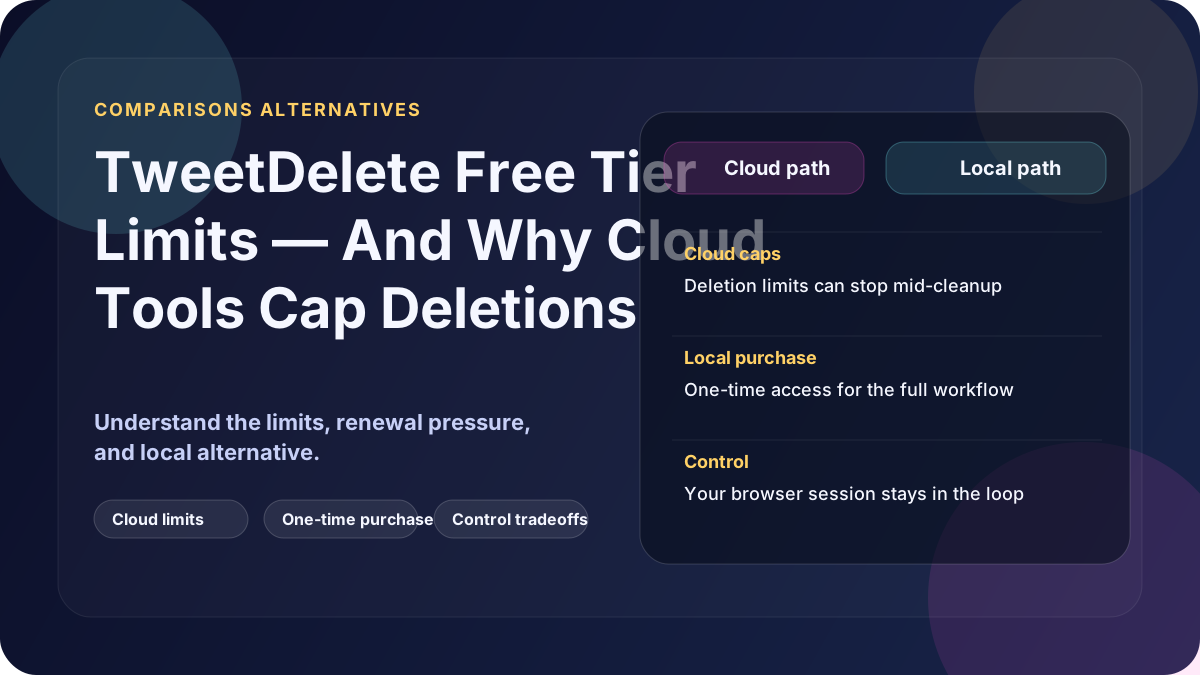
If you've searched "TweetDelete free tier limit", chances are something frustrating just happened.
Before choosing any tool, see the full Cloud vs Local Tweet Deletion Tools (2026 Deep Comparison).
Maybe:
- It stopped deleting after a few thousand tweets
- It asked you to upgrade
- It couldn't touch older tweets
- Or it simply… stalled
You're not imagining it. These limits are real — and they're not always explained clearly.
Let's break down why free limits exist, what the famous numbers actually mean, and what your options are if you want everything gone.
The short answer
TweetDelete's free tier is limited because:
- Bulk deletion costs money to run
- Platform rules restrict how much can be done automatically
- Older tweets are harder to access without extra steps
Most free tiers are designed to get you started, not finish the job.
Why does "3,200 tweets" keep coming up?
You'll see this number everywhere, and it confuses people.
Historically, many tweet deletion tools (including TweetDelete) could only:
- Access a recent window of tweets via APIs
- Typically capped around a few thousand posts
- Miss older content unless additional methods were used
So users think:
"I deleted everything"
But in reality:
- Only the most recent slice was touched
- Older tweets quietly remain
This isn't always obvious — and it's the source of most complaints.
What exactly is limited on the free tier?
While limits change over time, free tiers commonly restrict:
- Total tweets deleted
- Age of tweets
- Speed of deletion
- Retries or failed deletions
The pattern is consistent across tools:
- Free = partial cleanup
- Paid = deeper cleanup
- Local browser session tools = one-time full cleanup
That's not a conspiracy — it's economics.
Why older tweets are harder to delete
This is the key technical detail most blogs skip.
Older tweets usually require:
- A tool that can keep working through deeper profile history
- Extra processing
- Careful handling to avoid rate limits
That's why many tools:
- Stop after recent tweets
- Lock deeper cleanup behind a paywall
- Ask for exported account data or file uploads
- Or simply don't support older history reliably
And this is where safety and privacy trade-offs start creeping in.
The hidden cost of "free"
Free tools often mean:
- Longer runtimes
- Partial deletion
- More retries
- Ongoing account access
- Upsell pressure
And because access is connected directly to your account on X, you're often leaving permissions active longer than you intended.
Free isn't wrong — but it's rarely complete.
So how do you actually delete all tweets?
You have three real options:
1. Accept the limit
Fine if you only care about recent tweets, your account is small, or you're doing light cleanup.
Not fine if you want a clean slate or you're preparing for a job search, press, or background check.
2. Pay for a cloud service
This usually unlocks deeper cleanup, older tweet deletion, and faster processing.
But it also means your data is processed elsewhere, logs and metadata may exist, and ongoing access stays active until you revoke it.
Convenient — but trust-heavy.
3. Use a local browser session tool (a safer route)
This is the option most people don't hear about.
How it works:
- You open the app on your own machine
- You sign into X in your own browser session
- Deletions are processed locally
- No subscription
- No ongoing third-party access
This is exactly why tools like Delete My Tweets exist.
It's not "free" — but it's complete, private, and one-time.
Why free tiers exist at all (and why that's OK)
To be fair, free tiers:
- Let users test legitimacy
- Reduce abuse
- Control costs
- Protect platforms from mass automation
The problem isn't that limits exist — it's that many users expect "delete all" and don't realise they're only getting "delete some."
Final takeaway
If TweetDelete's free tier didn't finish the job, that's not a bug — it's the model.
You can:
- Live with partial deletion
- Pay for deeper access
- Or take full control using a local browser session tool
If your goal is certainty — knowing everything is actually gone — local browser session deletion is the most reliable option in 2026.