
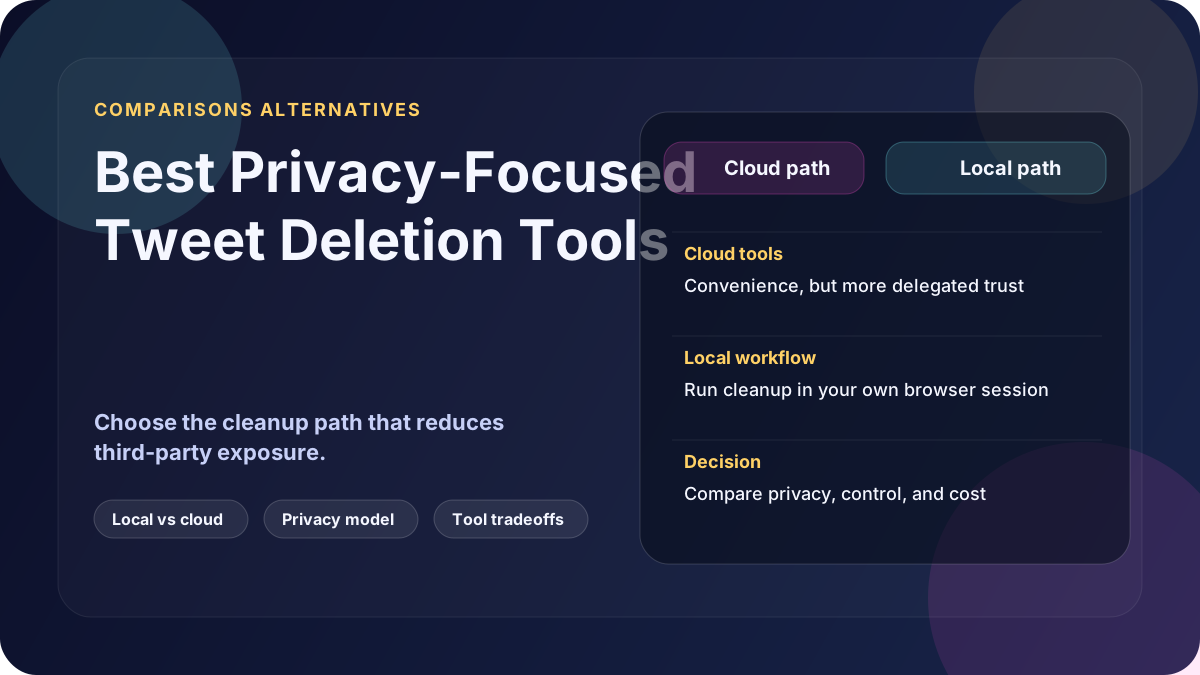
Most comparison lists rank tweet deletion tools by convenience. This one ranks by privacy model.
Privacy criteria used
We evaluate:
- Whether OAuth tokens are stored externally
- Where tweet data is processed
- Whether deletion logs are retained
- Whether ongoing permissions are required
- Pricing structure that encourages one-time vs perpetual access
1. Locally run Windows tools
Best fit for strict privacy requirements.
- Processing stays on your machine
- No cloud token storage
- No always-on subscription access
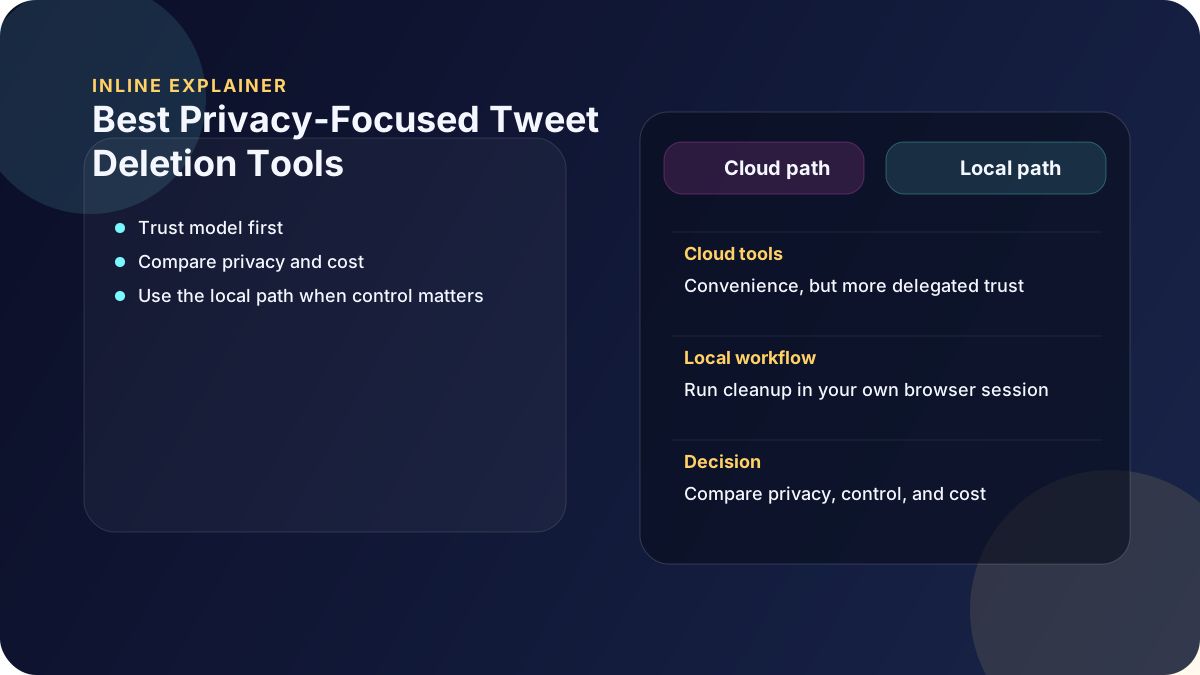
2. Cloud SaaS deletion tools
Best fit for convenience-first workflows.
- Fast setup
- Often include scheduling features
- Require trust in provider-side security and retention controls
3. Self-hosted options
Useful for technical teams with internal infrastructure.
- Can improve control
- Still requires setup and maintenance discipline
- Operational burden shifts to your team
Recommendation
If privacy is your primary requirement, a local deletion workflow is generally the strongest default in 2026.
For convenience-first, low-sensitivity cleanup, cloud tools can still be appropriate.
For teams with engineering resources, self-hosted can be viable but demands real operational ownership.
If you prefer not to grant account access to a third-party cloud service, Delete My Tweets runs locally on your computer and does not store your credentials.