Back to Blog
Comparisons

Best Tools to Delete All Tweets (2026) - Cloud vs Local Compared

February 3, 202612 min read
Best Tools to Delete All Tweets (2026) - Cloud vs Local Compared

Best Tools to Delete All Tweets (2026) - Cloud vs Local Compared

Choosing the right tweet deletion tool matters more than most people realize. The wrong choice can leave tweets behind, expose your data, or lock you into a subscription for a one-time task.

For a dedicated architecture-focused guide, read Cloud vs Local Tweet Deletion Tools (2026 Deep Comparison).

This comparison hub covers every major approach available in 2026, organized by what actually matters: privacy, completeness, cost, and reliability.

This guide is part of a regularly updated resource on tweet deletion tools and methods. For the full overview, see the complete guide to deleting tweets on X.


Jump to:

  • [How we evaluate tools](/blog/tweet-deletion-tools-compared#how-we-evaluate)
  • [Cloud-based tools](/blog/tweet-deletion-tools-compared#cloud-tools)
  • [Local desktop tools](/blog/tweet-deletion-tools-compared#local-tools)
  • [Free vs paid](/blog/tweet-deletion-tools-compared#free-vs-paid)
  • [Head-to-head comparisons](/blog/tweet-deletion-tools-compared#head-to-head)
  • [Which tool is right for you](/blog/tweet-deletion-tools-compared#which-tool)

  • How we evaluate tweet deletion tools

    Not all tools fail in the same way. We look at five things:

    - Privacy — Does your data leave your computer? Who has access?

    - Completeness — Can it reach old tweets, or only the most recent 3,200?

    - Reliability — Does it still work after API changes?

    - Cost structure — One-time vs subscription vs free-with-limits?

    - Account safety — Does it require ongoing permissions or API keys?

    These aren't theoretical concerns. API changes in 2023 and 2024 broke multiple popular tools overnight. Users who relied on them had no fallback.

    What makes a safe tweet deleter?


    Cloud-based tweet deletion tools

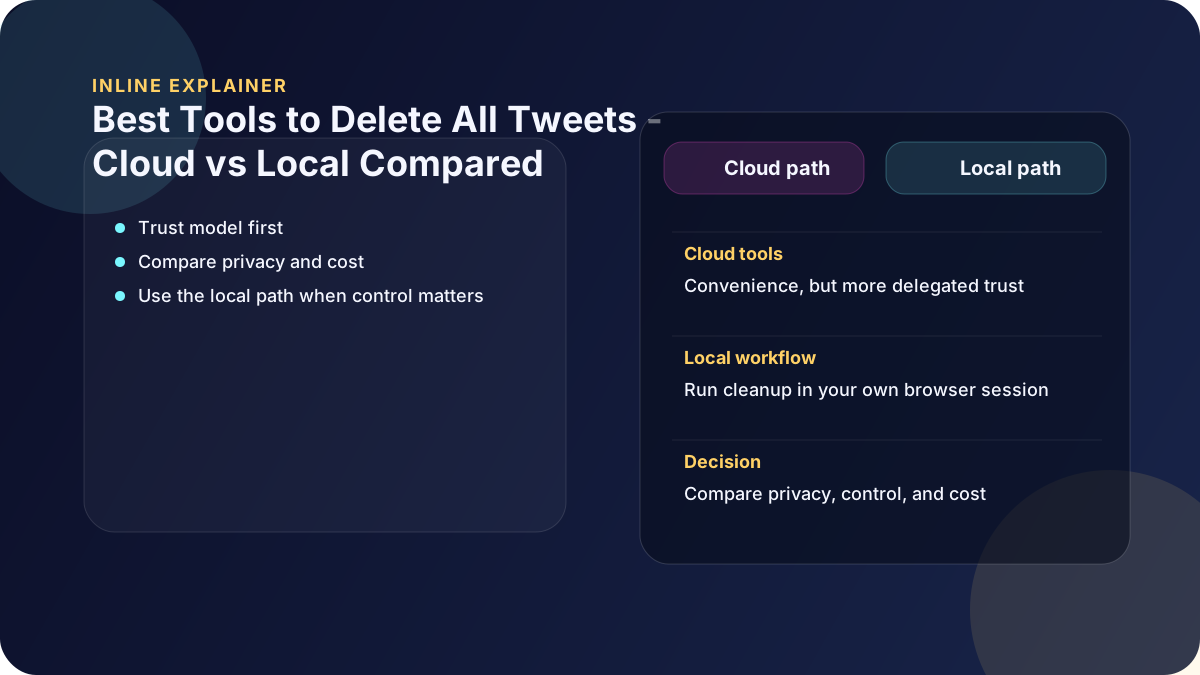
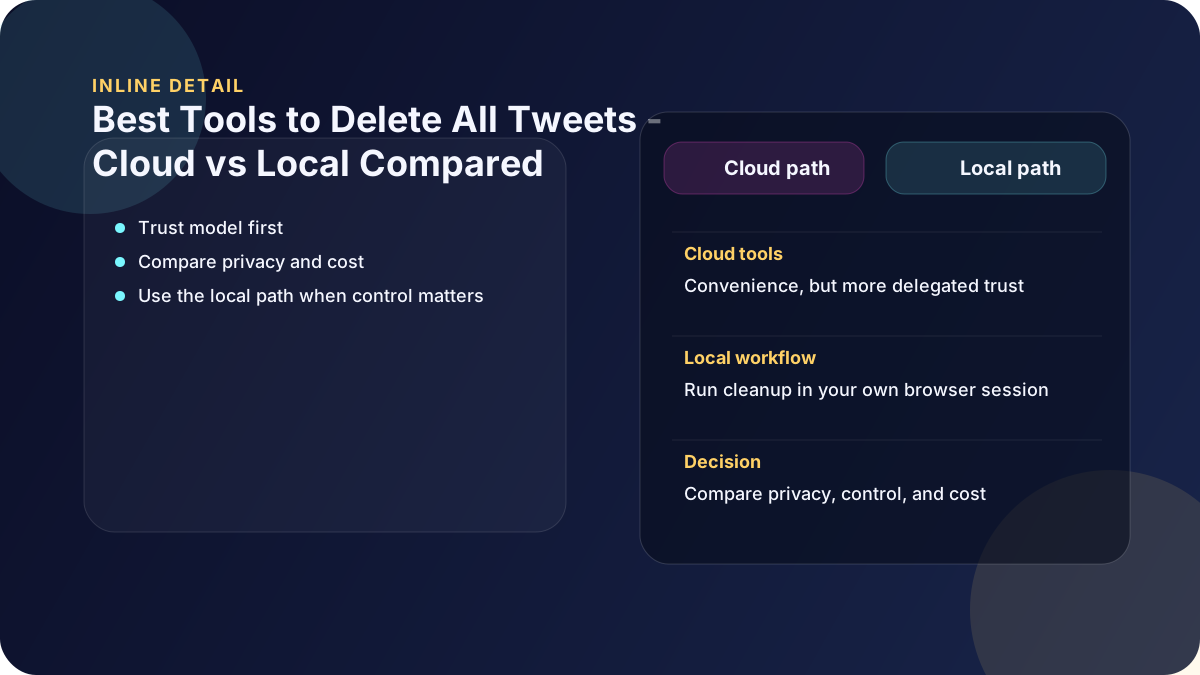
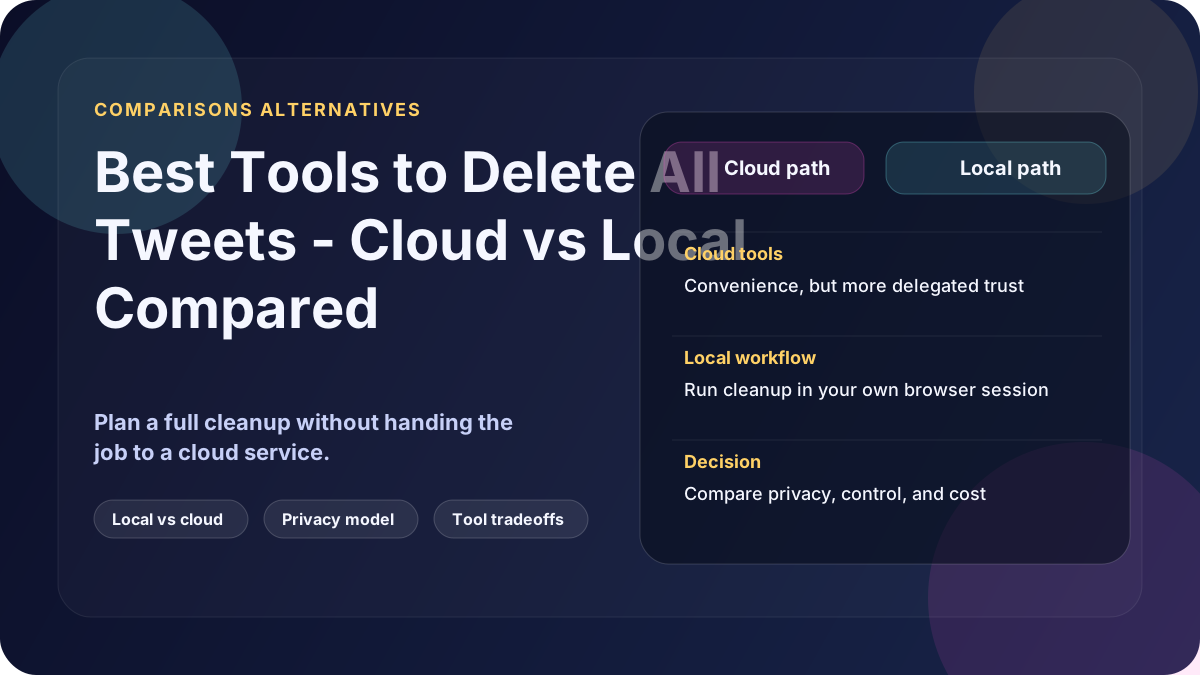
    Cloud tools run on someone else's servers. You log in, grant permissions, and they delete tweets on your behalf.

    How they work

  • You authenticate via OAuth (granting third-party access to your account)
  • Your tweet data is sent to their servers for processing
  • Deletions happen remotely — you can't see or verify the process
  • Common cloud tools

    The most well-known cloud tools include TweetDelete, Semiphemeral, and TweetDeleter. Each has different limits, pricing, and privacy trade-offs.

    Strengths

  • Easy to set up (no software to install)
  • Some offer scheduling and auto-delete rules
  • Web-based — works on any device
  • Weaknesses

  • Your data leaves your computer
  • Requires ongoing account permissions
  • Subject to API rate limits and changes
  • Free tiers typically cap at 3,200 tweets
  • Subscriptions for full access
  • Is TweetDelete safe? Full safety review

    Why free tools stop at 3,200 tweets


    Local desktop tweet deletion tools

    Local tools run entirely on your computer. They use your browser session to delete tweets directly — no cloud servers, no API keys, no data uploads.

    How they work

  • You download your X archive (full tweet history)
  • The tool reads the archive locally
  • Deletions happen in your own browser, the same way you'd delete manually
  • Nothing is uploaded or transmitted
  • Strengths

  • Data never leaves your machine
  • No API keys or developer credentials required
  • Works with your full archive (not limited to 3,200 tweets)
  • No ongoing permissions or subscriptions
  • Unaffected by API changes
  • Weaknesses

  • Requires downloading your X archive first (can take 24-48 hours)
  • Desktop software — not browser-based
  • No auto-scheduling (designed for one-time cleanup)
  • Local browser-based deletion vs cloud tools — full comparison

    Delete tweets without API access


    Free vs paid: what you actually get

    Free cloud tools

    Most free tiers exist to get you started, not to finish the job.

  • Typically limited to 3,200 most recent tweets (API cap)
  • May throttle deletion speed
  • Often require account permissions that stay active
  • Usually upsell to paid plans for full deletion
  • If you have a small, recent account, free tools may be enough. For anything older or larger, they leave tweets behind.

    TweetDelete free tier: what it actually covers

    Paid cloud subscriptions

    Paid plans unlock higher limits and archive support. But the subscription model means you're paying ongoing fees for what is usually a one-time task.

    Typical pricing: $5-15/month for full access.

    One-time purchase (local tools)

    Local tools like Delete My Tweets use a one-time purchase model. You pay once, delete everything, and you're done. No recurring charges.

    Typical pricing: $15 one-time.


    Head-to-head comparisons

    Delete My Tweets vs TweetDelete

    The most common comparison. TweetDelete is web-based and free to start. Delete My Tweets is a desktop app with a one-time fee. The key difference is where your data goes.

    Full comparison: Delete My Tweets vs TweetDelete

    Cloud vs local (general)

    This isn't just about features — it's about trust model. Cloud tools ask you to trust their servers. Local tools ask you to trust your own machine.

    What's actually private? Cloud vs local deep dive

    Bulk deletion vs manual deletion

    Manual deletion works for a handful of tweets. Anything over a few hundred, and you need automation. The question is what kind.

    Bulk vs manual deletion compared

    Best tweet deletion tool overall

    If you're looking for a single recommendation based on privacy, completeness, and reliability, we've written that too.

    Best tweet deletion tool in 2026


    Which tool is right for you?

    Use a free cloud tool if:

  • You have fewer than 3,200 tweets
  • You're comfortable granting third-party access
  • You want the fastest possible setup
  • Use a paid cloud tool if:

  • You need auto-delete scheduling
  • You want ongoing automated cleanup
  • You're okay with subscription pricing
  • Use a local desktop tool if:

  • Privacy is the reason you're deleting
  • You have a large or old account (5,000+ tweets)
  • You want to delete once and be done
  • You don't want to share credentials with anyone
  • See how Delete My Tweets works


    What to check before choosing any tool

    Before committing to any approach, verify these:

    - Does it support your archive? Without archive support, old tweets stay untouched.

    - What permissions does it need? OAuth permissions stay active until you manually revoke them.

    - Where does your data go? If it leaves your computer, someone else has it.

    - What happens after API changes? Cloud tools break. Local tools don't depend on APIs.

    - How do you verify deletion? Can you confirm tweets are actually gone?

    Delete tweets without sharing your password


    Related resources

  • [Complete guide to deleting tweets on X](/blog/tweet-deletion-guide)
  • [How to delete all tweets on X](/blog/how-to-delete-all-tweets-on-x)
  • [Auto-delete tweets: what's allowed and what's risky](/blog/auto-delete-tweets-allowed-risky)
  • [Mass delete retweets and quote tweets](/blog/mass-delete-retweets-x)
  • [Can employers see deleted tweets?](/blog/can-employers-see-deleted-tweets)
  • tweet deletion toolscomparisoncloud vs localfree vs paidTweetDeletebest toolprivacydelete tweetstool review

    Ready to Delete Your Tweets?

    If you prefer not to grant account access to a third-party cloud service, DeleteMyTweets runs locally on your computer and does not store your credentials.