
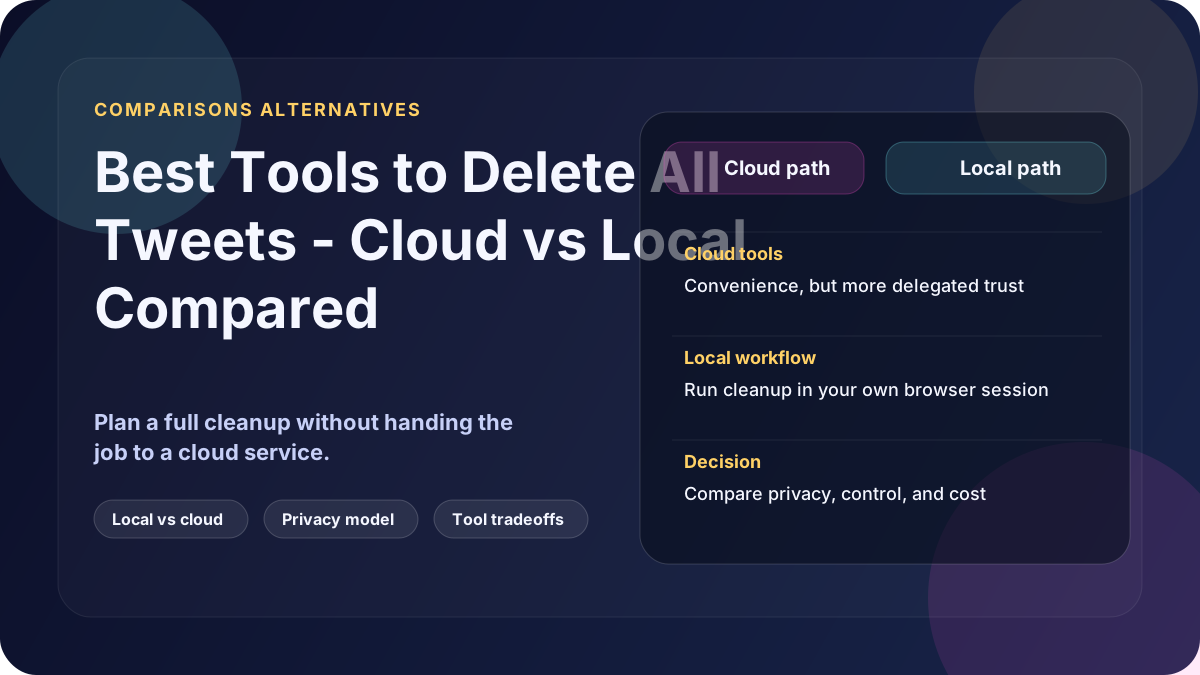
If you want the best tool to delete all tweets, start by defining "best."
For most people it means one of three things: the fastest setup, the best coverage of older history, or the least account exposure while the cleanup runs. The right answer changes depending on which of those matters most.
What to compare first
Before you compare brand names, check these four things:
- Where the deletion runs
- Whether the tool can reach older history
- What account access stays active during cleanup
- Whether you are paying once or subscribing for an ongoing service
A long feature list matters less than the operating model behind it.
Quick shortlist by use case
Best for the fastest start
A cloud tool is usually fastest to start. You connect your account, approve access, and let the service run.
Best fit: small or recent accounts where convenience matters more than control.
Best for one-time cleanup with more control
A local browser-session tool is usually the better fit when you want the job done without handing the cleanup to a cloud service.
Best fit: older accounts, larger histories, job-search cleanup, or anyone who wants the workflow to stay on their own machine.
Best for ongoing auto-delete rules
A paid cloud subscription makes sense if you want scheduled cleanup, not just a one-time reset.
Best fit: users who prefer automation that stays connected over time and are comfortable managing permissions afterward.
Cloud vs local in practice
| Question | Cloud tools | Local browser-session tools |
|---|---|---|
| Fastest to start | Usually yes | Usually no |
| Good for one-time private cleanup | Sometimes | Yes |
| Can struggle with deeper history | Sometimes | Less often |
| Requires third-party account access | Usually yes | No separate app access for deletion |
| Typical pricing | Free tier or subscription | One-time purchase |
Where Delete My Tweets fits
Delete My Tweets is the local option in this comparison. It is a Windows app that deletes tweets, replies and reposts through your own browser session. No cloud service performs the deletions.
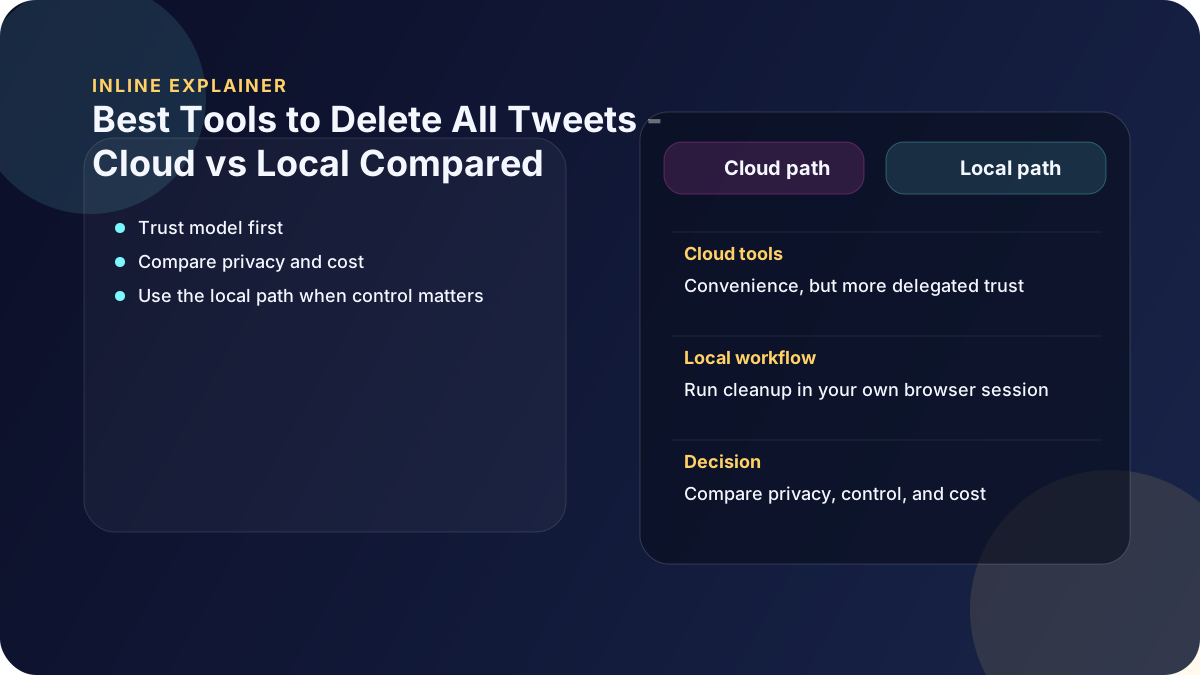
That makes it a better fit when you care about privacy, older history, or finishing the job without recurring fees. For a deeper head-to-head view, read Delete My Tweets vs TweetDelete.
Bottom line
There is no single best tweet deletion tool for every user. The best tool is the one whose trust model matches the job you are trying to do.
If you want the fastest setup, a cloud tool may be enough. If you want one-time cleanup with more control, use a local browser-session workflow. See how Delete My Tweets works.