
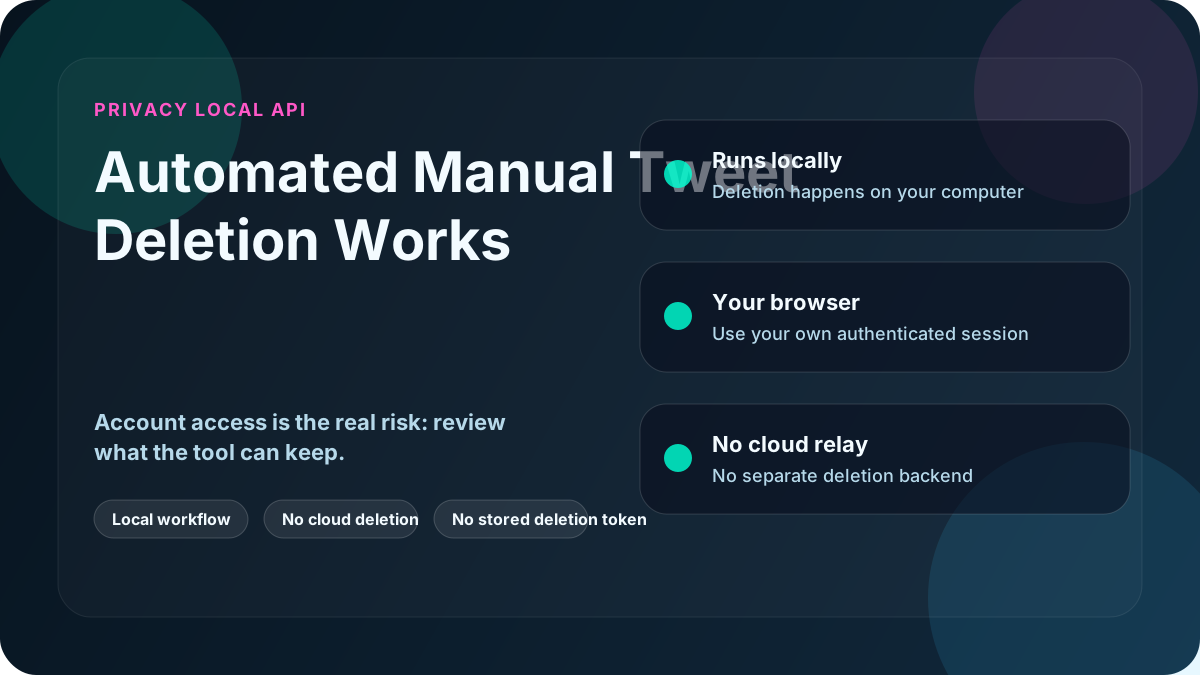
When people hear "automated tweet deletion," the first concern is usually the same:
Who gets access to my account?
It's a fair question. Many tools require logins, API permissions, or data uploads, which immediately raises trust and privacy concerns.
This article explains how automated manual tweet deletion actually works, and why it can be done without giving access to anyone, including the tool developer.
What "Automated Manual Deletion" Actually Means
Automated manual deletion is exactly what it sounds like:
The same actions you would perform manually in your browser, automated for speed.
Instead of clicking "Delete" thousands of times yourself, software automates those clicks inside your own browser, using your existing login and session.
That is the core mechanism.
What the App Does (At a Technical Level)
A browser-based deletion app works by:
- Launching or controlling a browser on your computer
- Using your existing X.com login
- Using your own cookies and active session
- Navigating your timeline exactly as you would
- Clicking delete actions programmatically
From X.com's perspective, it's just you using your account.
There is no separate cloud deletion system performing the job.
What the App Does Not Do
To be clear, automated manual deletion does not:
- Ask for your X.com password
- Upload your tweets to a third-party deletion service
- Store your tweet content on external servers
- Use a cloud deletion backend
- Use X.com APIs
- Share data with the developer
- Keep deletion logs on a Delete My Tweets server
The deletion workflow happens locally, on your machine, under your control.
Why This Is Safer Than API-Based Tools
API-based tools work by:
- Requesting permission to act on your behalf
- Executing deletions from external servers
- Remaining dependent on API access rules
Browser-based deletion avoids that cloud/API dependency.
Because the deletion happens through your own browser:
- No cloud deletion service acts as you
- No long-lived deletion-service permissions need to exist
- No cloud-side access remains after deletion
Once you close the app, the process ends.
Why This Is Safer Than Cloud-Based Tools
Cloud tools require delegation:
- Data is uploaded
- Actions are performed remotely
- Execution is outside your control
With automated manual deletion:
- Data stays local
- Execution stays local
- Control stays with the account owner
There is no cloud deletion infrastructure holding your tweet history, because the deletion workflow stays in your own browser session.
Why X.com Treats This as Normal Activity
Because the deletion uses:
- Your browser
- Your session
- Your cookies
- Your account
X.com sees the activity as normal user behaviour.
There is:
- No special access
- No elevated permissions
- No automation token
- No API signature
This makes it both reliable and future-proof.
Why This Works When Other Tools Break
Many deletion tools fail because:
- APIs change
- Rate limits tighten
- Data exports fail
- CSV files are missing
Automated manual deletion doesn't rely on any of that.
If you can delete a tweet manually, automation can delete it too, regardless of account size or age.
Who This Method Is Best For
Automated manual deletion is ideal if you:
- Care deeply about privacy
- Have a large or old account
- Don't want subscriptions
- Don't want to grant access
- Are deleting tweets for professional reasons
- Want full control over the process
It's not about shortcuts. It's about ownership.
Common Misconceptions
"Isn't this risky automation?"
No. It's automation of user actions, not automation of access.
"Can the developer see my account?"
No. The deletion workflow is not streamed back to Delete My Tweets, and there is no Delete My Tweets cloud deletion log of your account activity.
"Does this bypass X.com rules?"
No. It performs the same actions a user can perform manually.
Final Takeaway
Automated manual tweet deletion is one of the most transparent ways to clean a Twitter/X account:
- No delegation
- No uploads
- No stored third-party deletion permissions
- No cloud deletion backend
- No surprises
You keep control because you do not hand the deletion job to a cloud service.
For users who care about privacy and reliability, this approach is difficult to beat.