
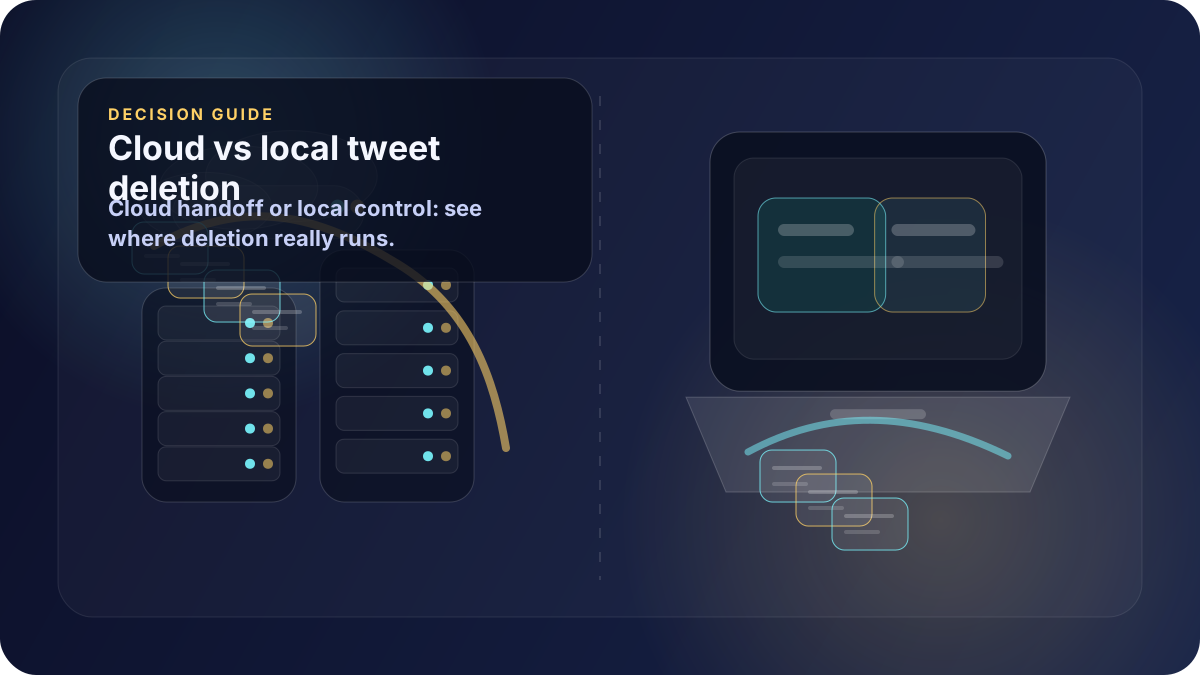
The biggest difference between tweet deletion tools is not the button label. It is where the deletion workflow actually runs.
A cloud tweet deleter routes account access, deletion instructions, or uploaded data through a provider's infrastructure. A local Windows app keeps the workflow on your own computer and uses your own authenticated browser session.
That distinction matters if you are deleting tweets, replies and reposts for privacy, professional cleanup, or account control.
Quick answer
Ask one question before choosing a tool: where does the deletion job run?
- If deletion runs in the cloud, you are trusting a third-party service with account access, deletion workflow handling, or uploaded archive data.
- If deletion runs locally, the cleanup happens on your Windows computer through the browser session you already control.
- If a tool uses the X API, it may depend on API access, scopes, endpoint availability, and rate limits.
- If a tool asks for an archive upload, your account history may leave your computer before deletion starts.
For the local model, start with Delete tweets locally on Windows and How it works.
What cloud deletion usually means
Cloud deletion tools are normally built like software-as-a-service products. You sign in, grant access, upload data in some workflows, and the provider's servers perform or coordinate the deletion work.
That can be convenient because the provider can manage queues, retries, dashboards, and scheduled cleanup. It also creates a broader trust boundary:
- The provider may need account authorization to act on your behalf.
- The provider may process tweet IDs, filters, timestamps, or archive data remotely.
- The provider may keep operational logs for support, billing, or debugging.
- You may need to cancel a subscription or revoke app access when cleanup ends.
Cloud tools can be a reasonable fit for recurring scheduled deletion, managed accounts, or users who value convenience above local control. They are less attractive when the main reason for cleanup is privacy.
What a local Windows browser-session app means
A local Windows app changes the boundary. The deletion workflow runs on your computer, and the app uses your own authenticated browser session rather than a separate cloud deletion service.
In practical terms, that means:
- The deletion job stays on your Windows computer.
- No cloud service performs the deletions.
- No API keys are required for deletion.
- Delete My Tweets does not store OAuth tokens for deletion.
- The same local workflow can remove tweets, replies and reposts.
You can compare the product flow on How it works, then review Simple Pricing if you want a one-time purchase instead of a recurring plan.
Why the X API changes the trust model
X documents API endpoints for managing posts, including deletion, and separately documents API behavior across the platform. API-based deletion tools need to work within that API model.
That is not automatically unsafe, but it is different from a local browser-session workflow. API tools may require developer access, OAuth authorization, app scopes, provider-side token handling, or deletion queues that run outside your machine.
If you are comparing methods, also read delete tweets without API access and local browser-based tweet deletion vs cloud tools.
Why archive upload is another boundary
Some tools ask for your Twitter archive because the public timeline may not expose every older post cleanly. Archive-based workflows can help identify older posts, but uploading the archive changes what you are sharing.
Your archive can contain structured account history, timestamps, and metadata. If you upload it to a cloud service, that file has left your computer. Before doing that, check what the provider stores, how long it stores it, and whether deletion is possible after processing.
Buyer checklist
Before choosing a cloud tweet deleter or local Windows app, check:
- Where does deletion run: provider server, API queue, browser automation, or local Windows session?
- Does the tool require OAuth access, and where are tokens stored?
- Does the tool ask you to upload a Twitter archive?
- Can it delete tweets, replies and reposts, or only one content type?
- Is deletion tied to an ongoing subscription?
- What happens if the job pauses, rate limits, or fails?
- Is there a clear way to cancel, export, revoke access, or verify completion?
- Does the privacy model still make sense after reading the source URLs below?
A safer default for one-time cleanup
If you want scheduled deletion forever, a cloud service may be convenient. If you want a one-time account cleanup with fewer third-party dependencies, the local Windows model is simpler to reason about.
Delete My Tweets runs locally on your Windows computer through your own authenticated browser session. No cloud service performs the deletions.
Review Delete My Tweets runs locally on your Windows computer, compare the features, and check Simple Pricing.