
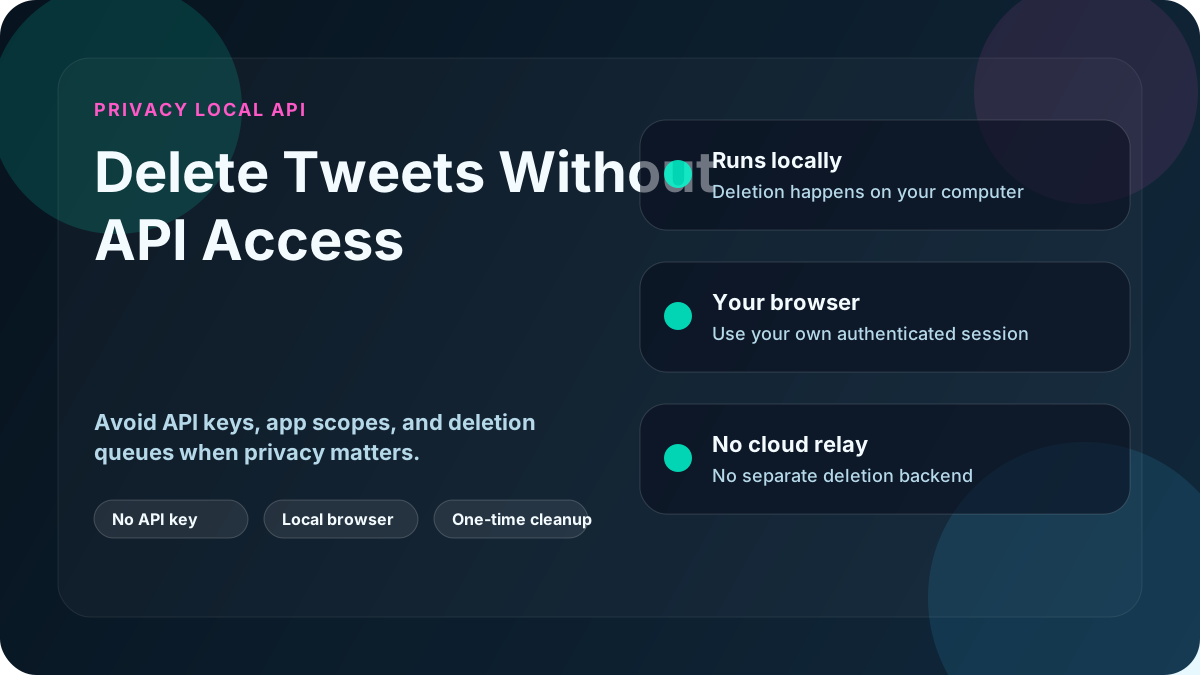
Yes. The practical alternative is to delete through your own logged-in browser session instead of through X's API.
That is usually the better fit if you do not want API keys, paid API tiers, or a cloud tool that depends on API limits.
Why people look for an API-free method
Most users land here for one of these reasons:
- API access is expensive or restricted
- Free tools stop after recent history
- Older tweets are left behind
- They do not want to grant a third-party app account access just to clean up once
If that sounds familiar, the problem is usually the method, not the idea of bulk deletion itself.
Where API-based tools fall short
API-based tools can still be fine for lightweight jobs, but they come with predictable limits:
- They often only reach a recent slice of account history
- They inherit API rate limits and product changes
- They usually require OAuth access to your account
- The work is commonly routed through someone else's infrastructure
That is why many "delete all tweets" tools are fine for a small cleanup, then disappointing on large or older accounts.
How browser-session deletion works instead
An API-free workflow uses the same logged-in browser session you would use to delete tweets manually. The difference is that the repetitive clicking and scrolling are automated on your own computer.
The process is simple:
- You log into X in your browser
- The app works through that browser session on your machine
- Tweets are found and deleted directly from the page
- No API calls are made
- No separate cloud deletion service needs to run the job for you
Delete My Tweets is built around that model: a Windows app that deletes tweets, replies and reposts through your own browser session. No cloud service performs the deletions.
Why this method is usually the better fit
Avoiding the API means:
- No API keys or paid API tiers
- No reliance on API access windows to reach older history
- Less exposure to API product changes
- No need to keep a cloud deletion tool connected just to finish the job
The workflow stays in your own browser session on your computer, so you can pause or stop it whenever you want.
This is the main difference between local and cloud-based deletion.
Who should use an API-free workflow
This approach makes the most sense if you:
- Need deeper cleanup than a recent-history API window
- Do not want to manage API access or OAuth apps
- Care about privacy and account control
- Want to delete old tweets accurately
This includes job seekers, professionals, founders, and anyone cleaning up years of history.
Quick comparison
| Feature | Delete My Tweets | API-Based Tools |
|---|---|---|
| Requires API | No | Usually yes |
| Runs on your machine | Yes | Usually no |
| Can work through older history without an API window | Yes | Sometimes |
| Needs third-party app access | No separate app access for deletion | Usually yes |
| Pricing model | One-time purchase | Often recurring plan or API cost |
For a technical walkthrough, see how automated manual deletion works.
Bottom line
If you want to delete tweets without API access, use a browser-session workflow instead of an API-based or cloud-based one.
Delete My Tweets is the Windows option built for that approach. See how it works.