
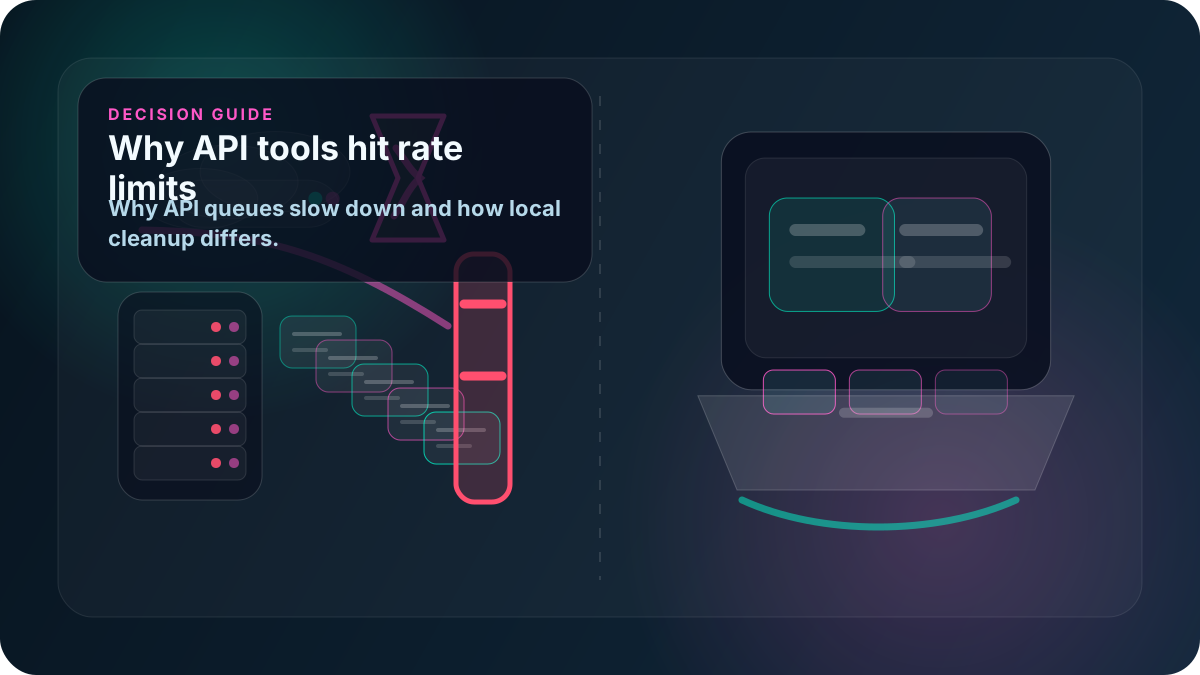
When an API-based tweet deletion tool slows down, pauses, or asks you to wait, the problem is often not your account size alone. It may be the API window the tool is operating inside.
X documents rate limits across API usage, and deletion tools that rely on API endpoints have to work within those limits. That can affect speed, volume, retries, and completion time.
Quick answer
API-based tweet deletion tools can hit rate limits because each deletion action is an API request. When enough requests happen inside a limited window, the tool may need to pause, queue work, or resume later.
That does not mean the tool is broken. It means the tool depends on the rules of the API path it uses.
For a non-API-key workflow, see Delete tweets locally on Windows and How it works.
What API rate limits are
Rate limits control how many requests an app or user context can make in a given period. They exist to protect platform reliability and reduce abuse.
For tweet deletion tools, the practical result is simple:
- The tool may not be allowed to delete endlessly at full speed.
- Large deletion jobs may need batching.
- Retries may need backoff periods.
- Multiple jobs or connected tools can compete for limited request capacity.
- A provider may impose its own lower limits to keep its service reliable.
If the product is built on the X API, rate limits are part of the operating environment.
Why deletion tools are especially exposed
Bulk deletion is request-heavy. Removing thousands of posts means thousands of individual actions or checks.
An API-based tool may need to:
- Read post IDs.
- Match posts against filters.
- Delete each selected post.
- Track failures.
- Retry items that did not complete.
- Respect per-user, per-app, or endpoint windows.
Every extra filtering or verification step can add more requests. That is why "delete all" can be slower than a pricing page makes it sound.
Why cloud tools often queue deletion
Cloud tools usually coordinate work from their own servers. If many users run deletion jobs at the same time, the provider has to manage API windows, server capacity, and user expectations.
Common symptoms include:
- Waiting queues.
- Daily deletion caps.
- Slower deletion during busy periods.
- Jobs that resume later.
- Plan tiers based on volume or speed.
For a related pricing angle, read TweetDelete free tier limits.
How a local browser-session workflow differs
Delete My Tweets is not an API-key deletion workflow. It runs locally on your Windows computer and uses your own authenticated browser session.
That does not mean any software can ignore X's website behavior, account protections, or normal pacing. It means the product does not require API keys for deletion and does not depend on a provider-side API deletion queue.
Delete My Tweets requires no API keys for deletion and uses your own browser session on your Windows computer.
You can compare the local model in delete tweets without API access and local browser-based tweet deletion vs cloud tools.
Buyer checklist
Before choosing an API-based tweet deletion tool, check:
- Does the tool use the X API for deletion?
- Does it require you to create or provide API keys?
- Does it ask you to grant OAuth access?
- What are the documented deletion speed limits?
- Does the provider publish caps by day, plan, or account size?
- What happens when the API window is exhausted?
- Can paused jobs resume without extra payment?
- Does the tool delete tweets, replies and reposts, or only selected categories?
- Is the workflow cloud-based or local to your Windows computer?
What to expect from any bulk cleanup
Bulk deletion should be paced. A tool that promises instant deletion of a very large history without explaining limits is not giving you enough information.
Look for clear language about batching, progress, retries, and verification. Then choose the trust model you are comfortable with.
Review Delete My Tweets runs locally on your Windows computer, the features, and Simple Pricing.